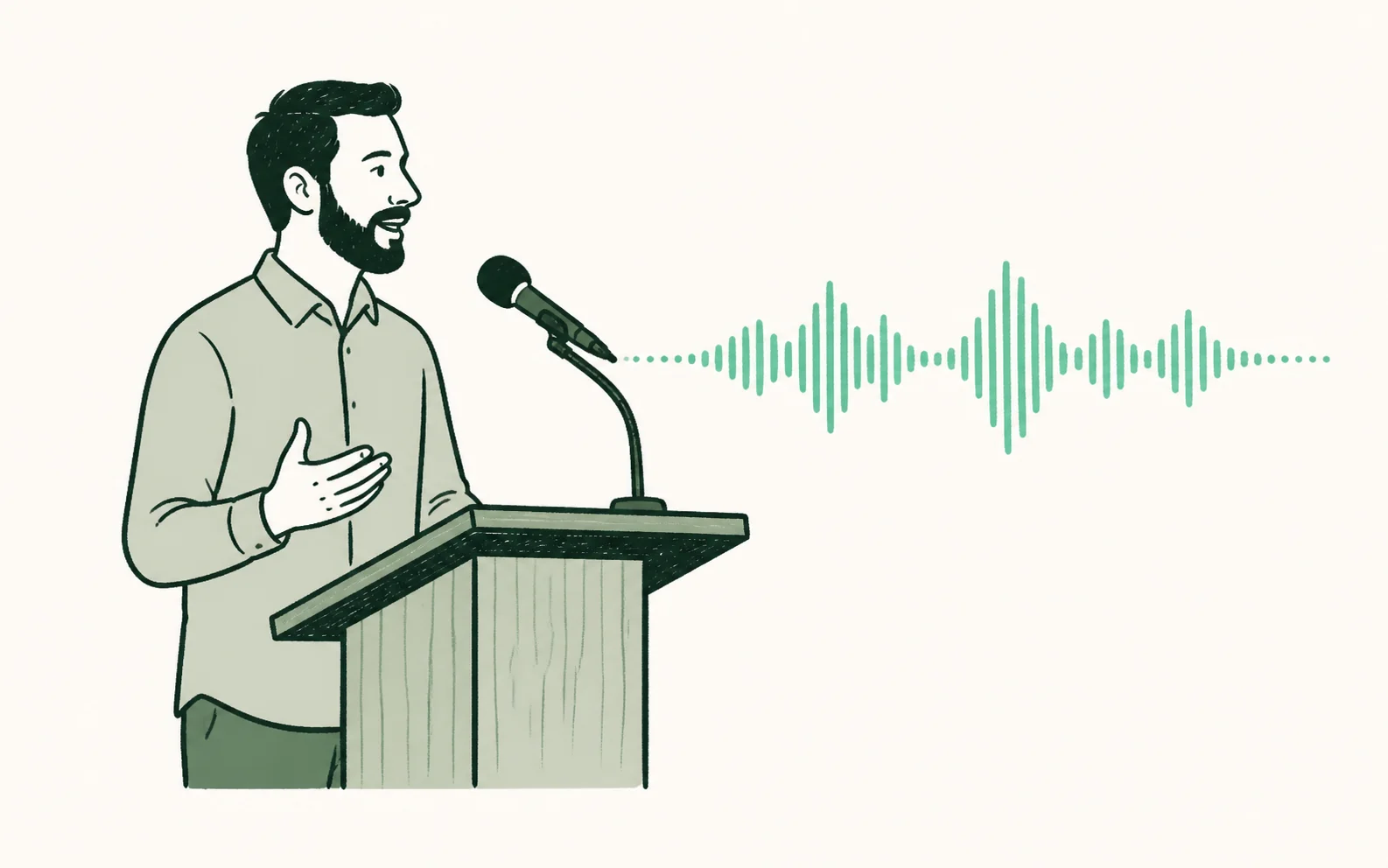
1. Speak
Use the pulpit microphone, a laptop or phone, or a clean feed from the sound desk.
Live church translation & captions
Voco gives churches a real-time church translation system without specialist receivers, interpreter booths, or app downloads. Start the service, show the QR code, and let people follow along in 200+ languages on their own phones.
7-day free trial · No card · From £6/week
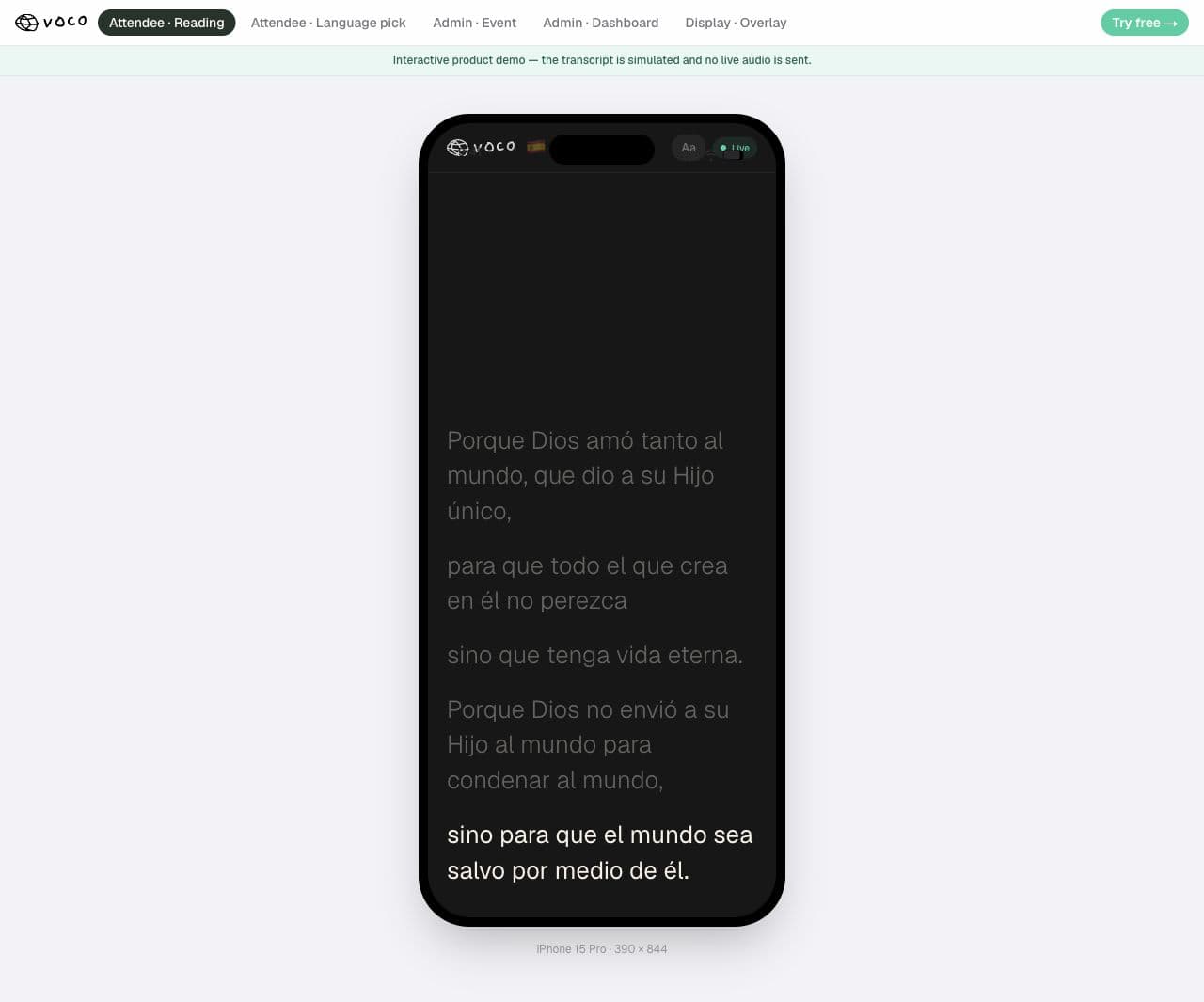
Porque Dios amó tanto al mundo,
que dio a su Hijo único,
Live transcript
should not perish but have eternal life.
200+
attendee languages
Unlimited
attendees on every plan
1
full-service rehearsal before Sunday
0
specialist receivers required
Plan your first service
Try the livestream laptop if the browser can access a clean microphone feed. Rehearse with the stream running before deciding whether you need another device.
Connect your sound deskAsk a fluent Korean, Cantonese or other priority-language reader to review your own preacher. Language availability alone does not prove the translation will suit your church.
Check language supportMeasure the delay on the attendee phone and check that text keeps arriving. On an iPhone used for recording, keep capture visible and use the reader inside that page.
Read the phone setup guide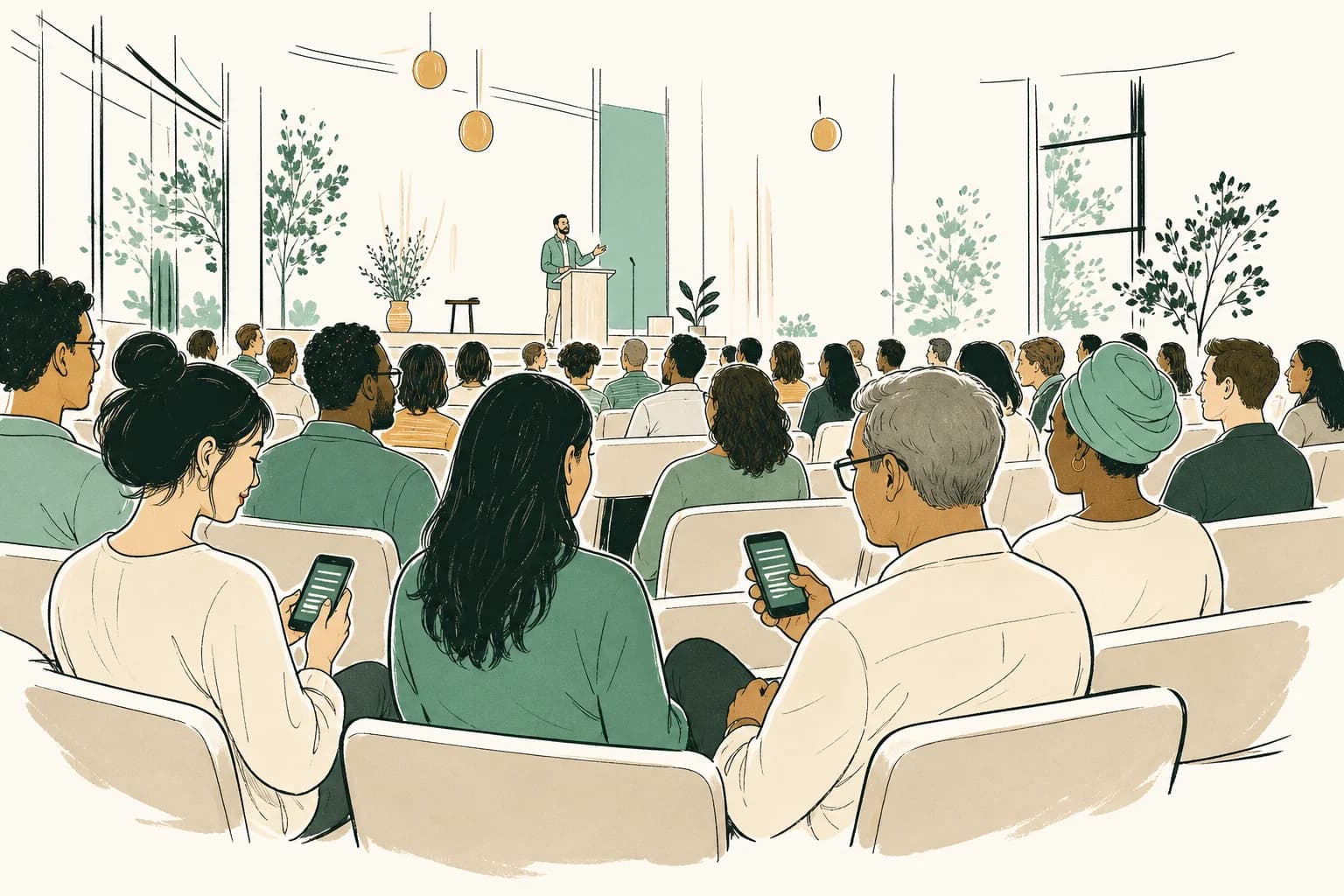
Built for the pew, not the conference circuit
Church translation is no longer a niche problem for specialist ministries. Many ordinary churches now welcome families, students, refugees, and diaspora communities. People can be present in the room and still miss the sermon when no translation is available.
Josh built Voco after watching his wife try to worship and whisper-translate the sermon at the same time for family members. That is not a sustainable hospitality model. A good church translation system should make language access normal enough that multilingual guests can worship without becoming someone's side project.
How Voco works
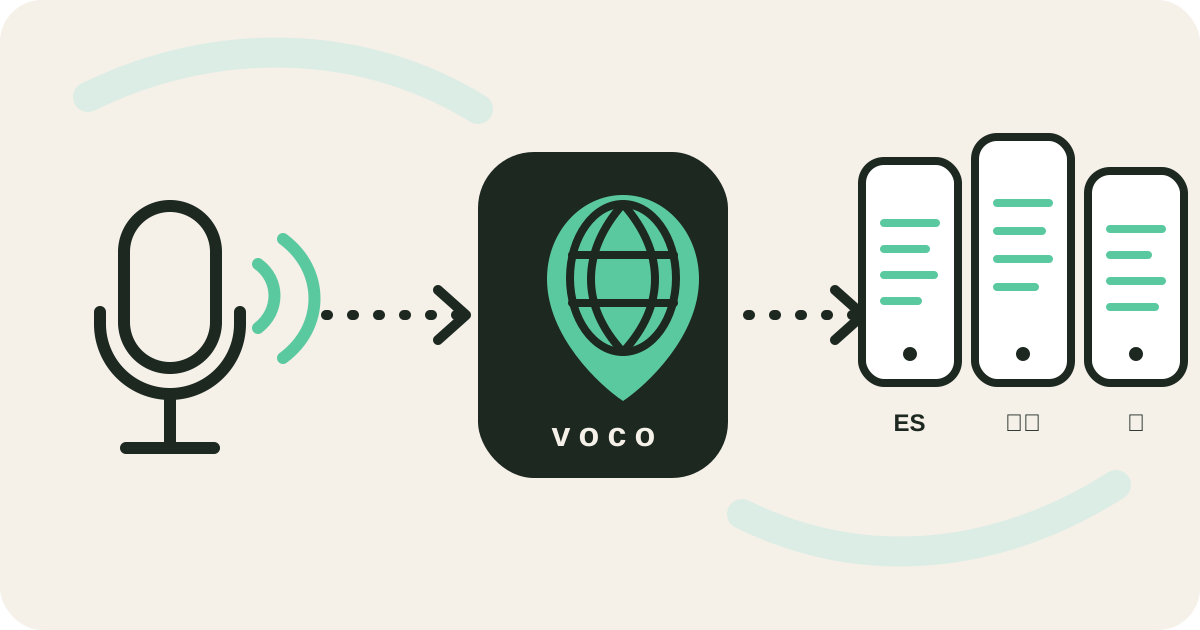
The Sunday workflow is deliberately simple. Your speaker talks into the mic you already use. Voco streams the transcript and translation live from the dashboard. Attendees scan a QR code, choose their language, and read along on their phone in seconds.
Use the pulpit microphone, a laptop or phone, or a clean feed from the sound desk.
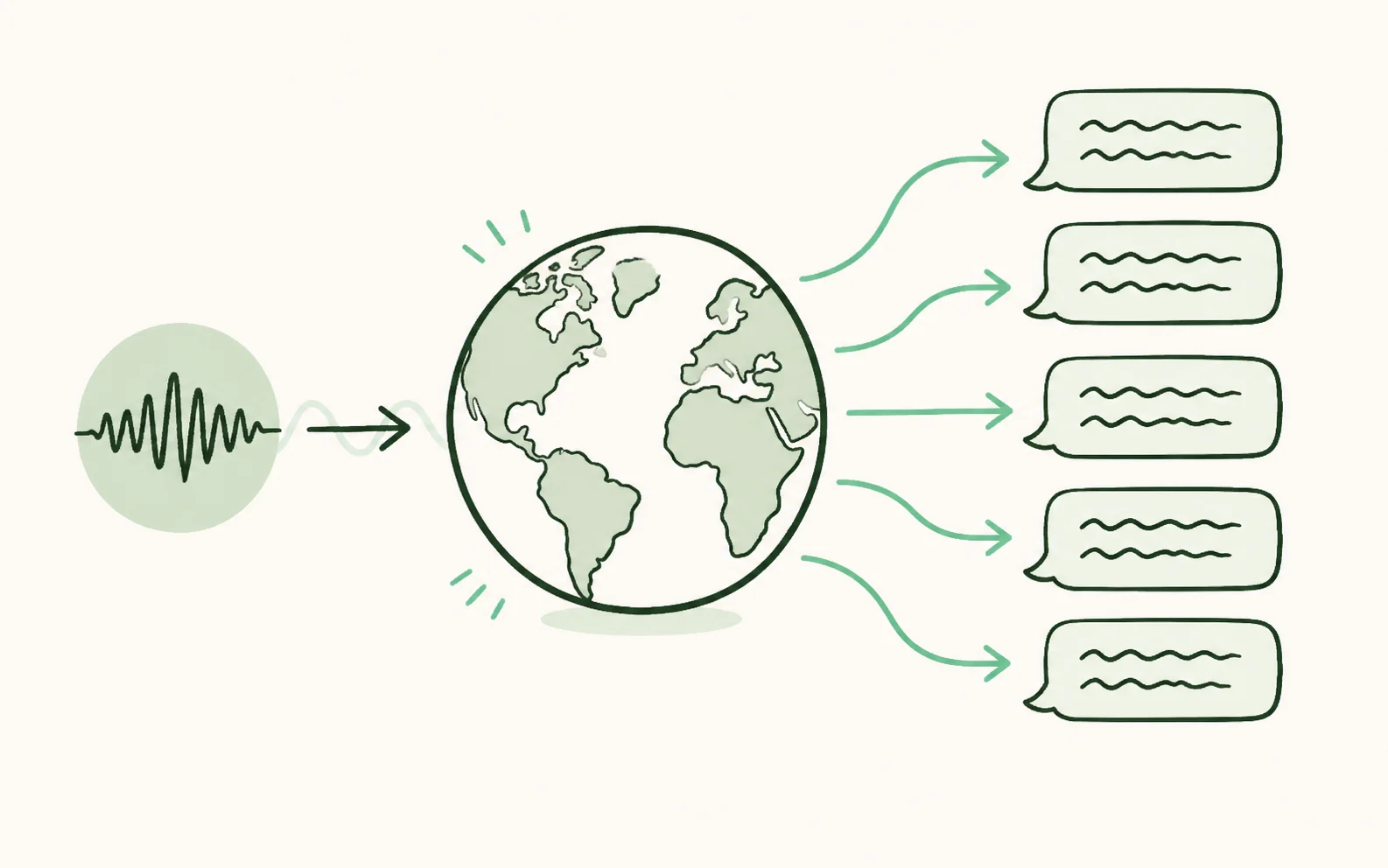
Voco turns the sermon into live captions and translated text for every enabled language.
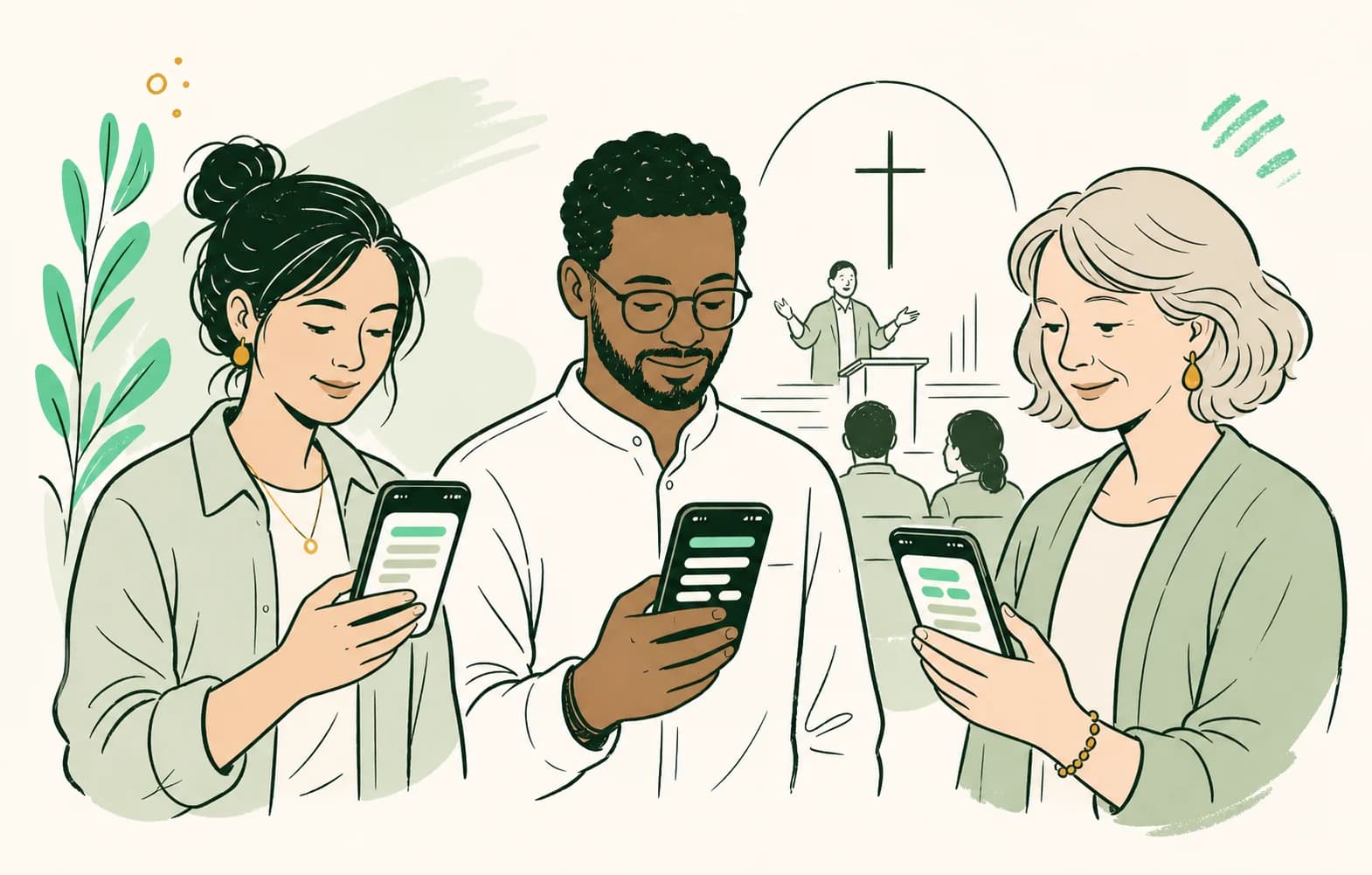
People scan one QR code, choose their language and follow without an app or attendee account.
Real Voco screens · demonstration data
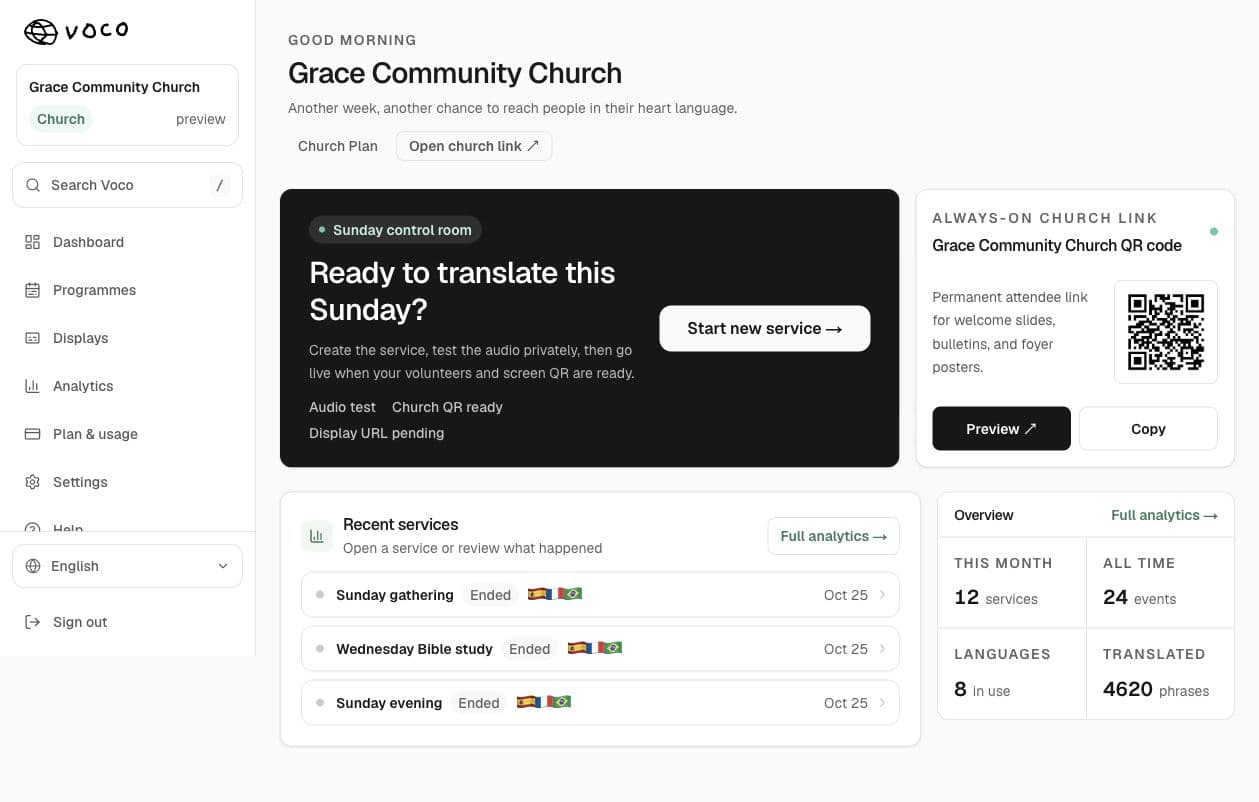
The church team starts and monitors translation from the real Voco dashboard. Attendees scan the permanent QR code and read the sermon in their chosen language—without an app or account.
Church translation use cases
Give regular multilingual families dependable access every Sunday.
Send translated captions to OBS, vMix, Streamlabs or a room display.
Run a lighter setup from a laptop or phone for midweek teaching.
Help international students and mixed-language families follow together.
Reuse the same QR code across church weekends and training sessions.
Offer language access while keeping a human interpreter for sensitive moments.
What the system includes
A useful church translation system should not only solve one service once. It should connect the whole workflow: live audio capture, browser reading, permanent QR codes, language pages, display captions, and simple pricing. That is why Voco links the dashboard, Display Studio, attendee reader, docs, and support flows around the same Sunday habit.
Readable captions delivered to attendee phones while the speaker continues.
One service can support several language groups at the same time.
Print or display one reusable code instead of handing out receivers.
Boost names and pin theological terms with glossary controls.
Recognised Bible references can use published target-language passages.
Create readable captions for projectors, ProPresenter and livestream overlays.
Keep a bilingual record and prepare notes or follow-up resources after the service.
Readers can recover missed text after a brief connection interruption.
Church translation options
There is no single correct translation setup for every church. A trained human interpreter remains the strongest choice for pastoral conversation, funerals, counselling, unpredictable dialogue, and languages where automated quality is weak. Traditional FM or infrared systems can be dependable when a church already has interpreters and wants a managed spoken-audio channel without relying on attendee phones.
Best for
Recurring sermons, changing languages and several readers at once
Important limit
Text-first access depends on clear audio, internet and a suitable automated language pair
Best for
Pastoral conversations, sensitive services, nuance and two-way ministry
Important limit
Each additional language needs another skilled, available person
Best for
Churches with interpreters that need managed spoken-audio channels
Important limit
Equipment needs charging, cleaning, storage, handout and replacement
A trustworthy first test
Every automated translation begins with transcription. If the system receives distorted desk audio, room echo, overlapping speakers, or a microphone that is too far away, the translation inherits those mistakes. A direct sound-desk feed through a simple USB audio interface is the most dependable regular setup, although a phone or laptop microphone is enough for an initial test.
Run at least one rehearsal with the preacher's normal pace and vocabulary. Add recurring names, church terms, series titles, and theological words to the glossary. Then ask a fluent reader to mark what was confusing rather than asking only whether the translation was 'good'. The practical goal is not literary perfection; it is helping someone stay with the meaning of the sermon without avoidable distraction.
Languages
Voco supports 200+ output languages, including diaspora languages churches regularly need but rarely plan for in advance. That matters because multilingual ministry is rarely neat. One Sunday it may be Spanish and Polish. The next it may be Arabic, Amharic, and French.
A language count is only a starting point. Quality varies by source language, target language, audio quality, accent, speaking pace, and theological vocabulary. Before relying on any system, test a complete recorded sermon with a fluent reader from the community you want to serve. That review is more valuable than a vendor's headline number.
Church-shaped pricing
Every plan includes unlimited attendees. Start with a real Sunday during the free trial, then choose the rhythm that fits your church.
Unlimited attendees. No mid-service cut-offs.
One weekly service, with 1–2 regular language groups.
Multiple Sunday services, every language group and room screens.
Regular midweek meetings, small groups and event weekends.
7-day free trial. No card needed. See all plan details
The real cost of a church translation system includes more than the monthly plan. Human interpretation can add booking minimums, travel, and a separate interpreter for every language. Receiver systems add transmitters, headsets, batteries, storage, cleaning, replacement, and a handout rota. Software adds a recurring subscription, a reliable internet connection, and usually a modest audio interface for the cleanest input.
Compare the full annual costChurch translation resources
A clear, printable explanation for church leadership.
Open resourceMicrophone, sound-desk and first-service setup guidance.
Open resourceCreate a screen-ready invitation for your congregation.
Open resourceCheck spoken-input, translated-text and device-voice support.
Open resourceCompare software, interpreters and receiver hardware honestly.
Open resourcePut live captions on a projector, presentation system or stream.
Open resourceFollow the full audio, language, QR-code and second-phone rehearsal.
Open resourceChoose the signal path before comparing microphones and interfaces.
Open resourceUnderstand latency, signal flow, limits and a trustworthy full-sermon test.
Open resourceAccessibility
A person may need clearer audio, same-language captions, another language, or several of those at once. A hearing loop helps compatible hearing aids receive cleaner sound. Captions help people who process readable text more easily. Translation changes the language of the message. Voco mainly serves that language-access need and can also provide readable captions. It does not replace a hearing aid, an induction loop, or a skilled interpreter in every setting.
The most inclusive churches name those needs separately and let people choose privately. Keep the invitation simple and visible. Use a permanent QR code, make a clear announcement before the service, and ensure one welcome volunteer knows how the reader works.
Setup time
Most churches do not need an AV project to try Voco. A phone placed near the preacher is enough to prove the workflow. If you want the cleanest audio later, plug in a direct feed from the desk. Either way, the first test takes minutes, not weeks.
Church translation FAQ
You may be able to use the same laptop if it can run your streaming software and Voco together, and the browser can access the correct audio input. An ATEM or mixer connection does not automatically mean that audio is available as a browser microphone. Select the input in Voco, then rehearse with the actual livestream running. Check the stream audio and translated reader on a second device. Use a separate capture device if the input cannot be shared reliably or the laptop struggles.
Delay varies with speech, phrase length, the language pair and the connection. Counting sentences is unreliable because speakers pause and phrase things differently. During a rehearsal, say a distinctive phrase and measure the time until its translation appears on the attendee phone. Repeat throughout the service and check that the delay does not build up. We do not promise the same delay for every church setup.
An accent can affect the source transcript, and transcript mistakes can carry through into the translation. Clear microphone audio helps. Korean and Cantonese are available reader languages, but availability is not a guarantee of accuracy. Ask fluent readers to review a full sermon with your preacher, including names, Scripture references and church vocabulary. Do not treat Mandarin and Cantonese as interchangeable.
Use the translated reader within the recording page so that audio capture can stay visible. Keep the phone unlocked and that page in the foreground. Switching to a separate reader tab or another app can interrupt microphone capture on a phone. For a service, rehearse the whole session on your device; a second phone or a laptop is another way to keep capture and reading visible.
No. You can test Voco with a phone or laptop microphone, which is enough to prove the workflow before spending money. For regular Sunday use, many churches connect a clean feed from the sound desk through a simple USB audio interface, because clearer audio improves transcription and translation quality. Specialist translation receivers, interpreter booths, and headset handout systems are not required for Voco.
Voco supports 200+ output languages, and churches can keep multiple reader languages active in the same service. That means one attendee can follow in Spanish, another in French, another in Arabic, and another in Portuguese without the church creating separate receiver channels. Your plan describes the normal service rhythm and usage pattern, not a hard per-attendee or per-language seat count.
Voco works in modern mobile browsers on iPhone and Android. Attendees do not need to install an app, create an account, or borrow a church device. They scan a QR code, choose their language, and read along privately. The reader also includes font-size and display controls for a more comfortable reading experience.
Yes. Voco has a 7-day free trial with no credit card required. Churches can test the whole workflow in a real service before committing. Start with a private audio check. Then show the QR code to a few trusted people and use it for one Sunday. Ask whether the translated reader helped them follow the message.
No. A skilled interpreter is still the better choice for two-way conversation, pastoral care, high-stakes services, sensitive prayer ministry, and language pairs where automated quality is weak. Voco is strongest for repeatable one-way teaching across several languages. Many churches use both.
Use a complete recorded sermon with the same speaker, microphone, and audio route you expect to use live. Ask a fluent reader in each priority language to mark unclear meaning, names, scripture references, and church vocabulary. Add recurring corrections to the glossary, then repeat the test.
Ready for a real Sunday test
No card, no specialist receiver purchase and no attendee app. Use your own audio and invite a fluent listener to tell you what genuinely helped.