Church Accessibility
Church Accessibility for Hearing, Language, and Participation
Church accessibility is about more than ramps and speakers. It includes whether people can hear, understand, and stay with the service in a way that lets them participate fully. For multilingual churches, language access is now one of the clearest missing layers.
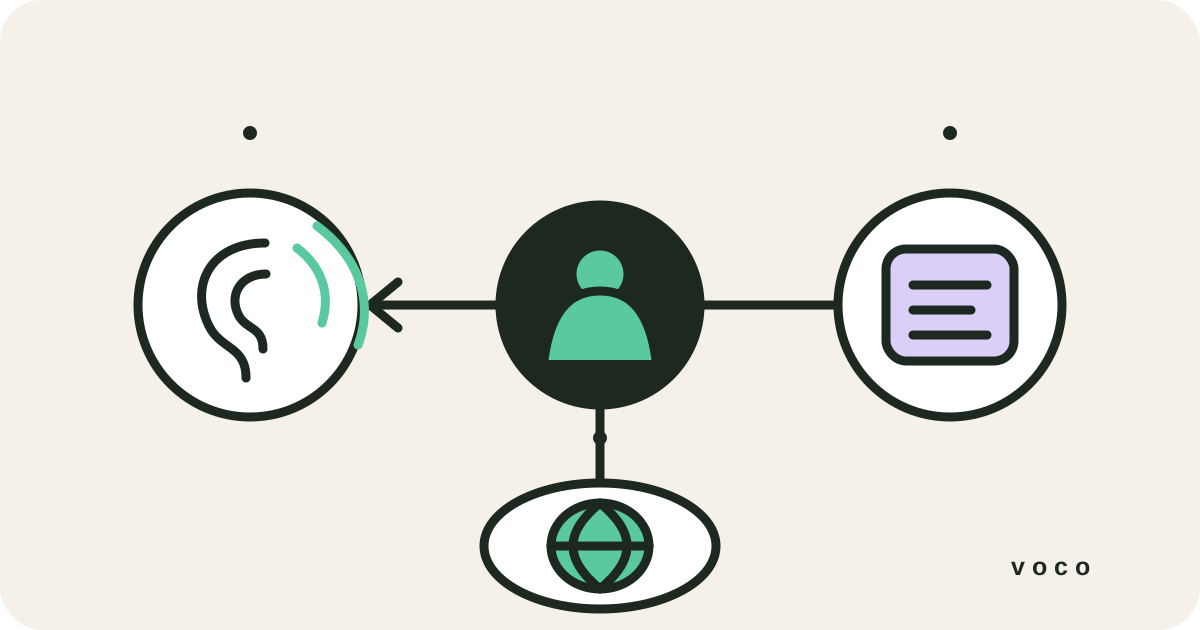
Accessibility layers
Good church accessibility usually means solving more than one problem.
Some people need amplified sound. Some need captions. Some need the sermon in another language. Churches that think carefully about accessibility do not force all those needs into one tool. They build a combination that suits the people actually in the room.
Start by asking what prevents a person from participating. If the words are too quiet or muddy, improve the audio or hearing support. If the person can hear speech but misses parts of it, readable captions may help. If they hear clearly but do not understand the service language, they need translation. If conversation and pastoral care are involved, they may also need a human communicator rather than a one-way technology.
Start with people
An accessibility audit begins with listening, not buying equipment.
Speak privately with the people already using your service. Ask what they miss, where they sit, which devices they use, whether they prefer audio or text, and which language they use for sustained teaching. Do not infer a preferred language from nationality, or assume every person with hearing loss wants the same solution.
Walk through the service from arrival to departure. Can someone discover support before the sermon starts? Is the hearing loop clearly signed and tested? Are captions visible without craning at a screen? Can a guest reach translation without installing an app or publicly asking for help? Accessibility fails most often at those handover points rather than in the technology itself.
Ask attendees what helps rather than assigning a solution to them.
Test from the back, balcony, overflow room, livestream, and common mobile devices.
Include arrival information, signage, announcements, volunteer knowledge, and pastoral follow-up in the audit.
Language access
Language is an accessibility issue, not just a convenience feature.
If someone cannot follow the sermon because it is in the wrong language, they are present but excluded. That makes language access a meaningful part of church accessibility, especially in cities and congregations shaped by migration, students, and multilingual families.
Translation does not automatically create belonging, but it removes a foundational barrier. It gives a guest a private way to understand Scripture and teaching while remaining in the same room as friends and family. The church must then build the human layers around it: welcome, conversation, pastoral care, leadership development, and opportunities to contribute.
Choose the layer
Hearing support, captions, and translation solve different needs.
Hearing loops, FM systems, and infrared receivers deliver clearer sound. Same-language captions turn speech into readable text. Language translation changes the message into a language the attendee understands. These layers can work together. An older Spanish-speaking attendee may need translation and larger text. A hearing-aid user may need a loop but no translation at all.
A skilled human interpreter remains important where two-way dialogue, emotion, confidentiality, or precision matters. Technology is best used where it reduces a recurring access barrier without pretending to replace personal ministry.
Sunday practice
Make support discoverable before someone has to ask for it.
Put accessibility information wherever a first-time visitor already looks: the website, welcome desk, pre-service screen, printed notice, and opening announcement. Use plain language: 'Live captions and translated sermon text are available. Scan this QR code or ask the welcome team.' Do not single out one family or ask people to identify themselves publicly.
Give each volunteer one clear job. One person should test the hearing support. Another should know how to open the reader. Add captions and translation to the AV checklist alongside microphones and slides. A feature that nobody checks is not reliable access.
Practical next step
Start with the easiest missing layer you can add well.
For some churches that means improving room audio. For others it means adding readable live captions. For many multilingual congregations, it means offering live browser-based translation that people can reach through a QR code on their own phones.
Begin with one clearly defined need and one real service. Rehearse it, ask the people using it what changed, and fix the weakest part before adding another layer. A modest system that works every Sunday serves people better than an impressive accessibility policy that volunteers cannot operate.
Comparison
| Barrier | Useful first layer | What to test | Important limit |
|---|---|---|---|
| Speech is too quiet or unclear | Hearing loop, improved room audio, FM or IR | Clarity in the actual seating area | Does not change the language |
| Speech is heard but hard to process | Same-language live captions | Reading speed, accuracy, font size, screen position | Does not solve every hearing need |
| The service language is not understood | Live language translation | Meaning, script, terminology, attendee devices | Does not replace pastoral conversation |
| Two-way or sensitive conversation | Qualified human interpreter or bilingual pastoral leader | Confidentiality, safeguarding, cultural fit | Requires the right person and availability |
Related pages
FAQ
Is translation part of church accessibility?
Yes. If people cannot understand the service language, translation becomes a genuine accessibility layer.
Do we need one tool for every accessibility problem?
Usually not. Most churches need a small stack of solutions that each solve a specific need well.
Where does Voco fit in church accessibility?
Voco fits primarily on the language access side, helping multilingual attendees follow the sermon live on their phones.
What is the difference between captions and translation?
Captions normally show speech as text in the same language. Translation changes that speech into another language. Some attendees need one, while others benefit from both translated text and readable display controls.
Should we ask people to identify their accessibility needs publicly?
No. Publish the available support clearly and let people choose privately wherever possible. For individual adjustments, invite a confidential conversation with a named welcome or accessibility contact rather than singling someone out during a service.
Ready this Sunday
Build a more accessible service without creating a harder Sunday.
Translation is only one accessibility layer, but for multilingual churches it can be the one that changes the room fastest.