Mixer has a balanced aux or matrix out
Use the appropriate balanced line path, begin with conservative gain, and monitor the computer input rather than assuming the socket label guarantees level.
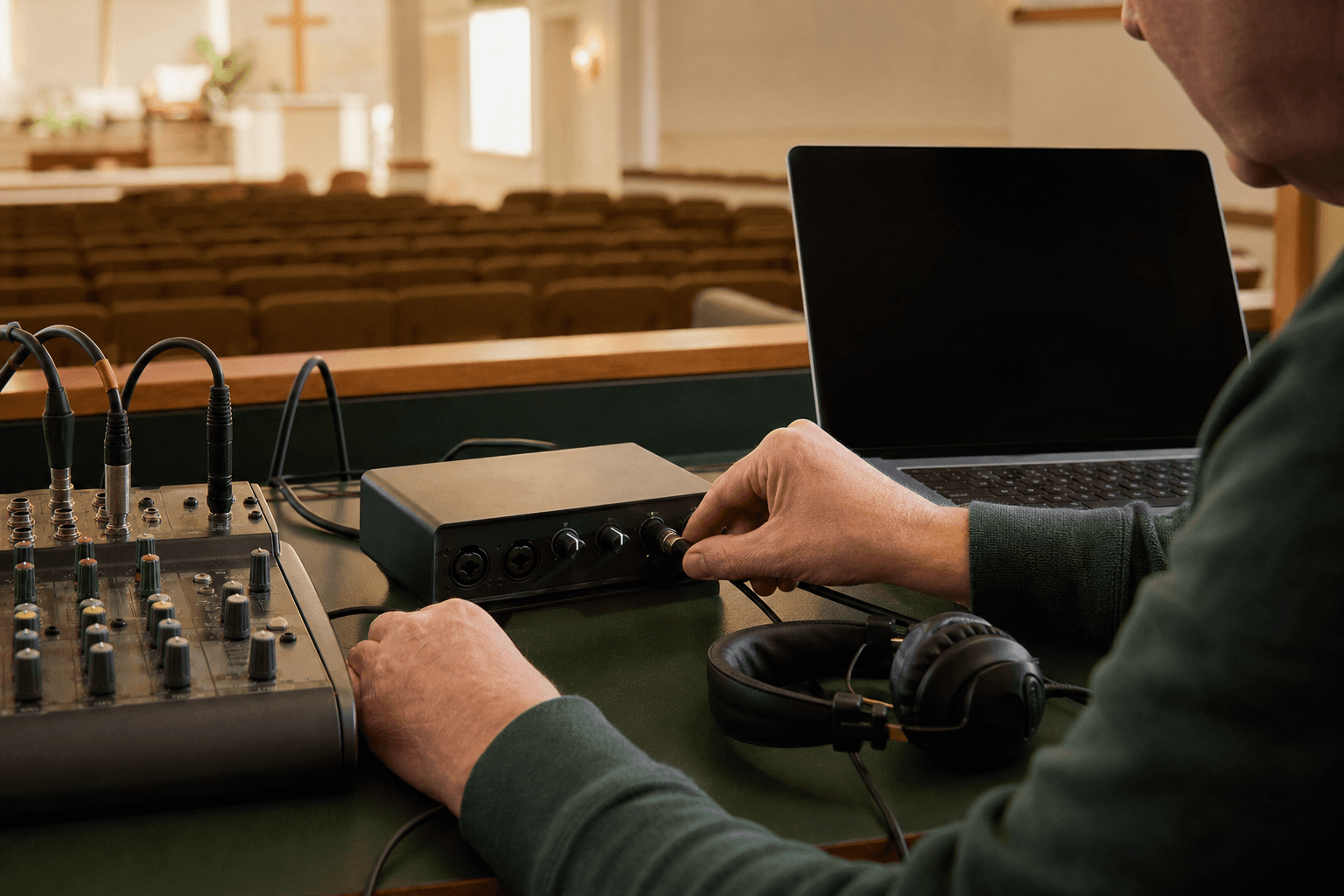
Mixer-to-laptop audio interfaces
For translation and livestreaming, a modest interface carrying a clean mixer feed often improves more than an expensive room microphone. This guide focuses on electrical compatibility, input headroom, monitoring, recovery, and Sunday simplicity.
The useful answer now
Choose an interface that accepts the actual level and connector from the church mixer, provides reliable monitoring, and reconnects cleanly after sleep, unplugging, or an app restart. Two inputs are enough for many churches; extra features only help when the volunteer workflow uses them.
Affiliate and editorial disclosure
This guide contains Amazon affiliate links. Voco may earn a commission at no extra cost to you. Picks are based on documented specifications, connection requirements, manufacturer evidence, and their fit for real church workflows; Voco has not hands-on tested every item. Exact listings are used only where product identity is unambiguous, otherwise the button opens an honest Amazon search. Prices, stock, marketplace ratings, and invented scores are deliberately omitted.
Start with the job
Use the appropriate balanced line path, begin with conservative gain, and monitor the computer input rather than assuming the socket label guarantees level.
Treat level and stereo-to-mono routing carefully. A cable shape does not convert an unsuitable output into a safe input.
Confirm the supplied cable, hub power, class/driver support, and whether reconnecting changes the selected input device.
Quick comparison
Order follows the church decision path, not a laboratory score. “Best for” identifies the workflow each option most naturally fits.
| Option | Best fit | Tier | Connection notes | Editorial basis |
|---|---|---|---|---|
| Behringer U-PHORIA UMC202HD | A two-input budget mixer-to-laptop baseline | budget | USB computer connection | Manufacturer documentation |
| Audient EVO 4 | A volunteer-friendly automatic-gain workflow | mid-range | Balanced mic/line inputs | Manufacturer documentation |
| Focusrite Scarlett 2i2 4th Gen | A widely supported interface with automatic level safeguards | upper-mid | USB 2.0 over USB-C; supplied cable may be USB-C to USB-A | Manufacturer documentation |
 Find on Amazon ↗
Option 1 · Behringer
A two-input budget mixer-to-laptop baseline
A straightforward budget interface for taking a controlled mixer feed into a church laptop.
Paid link · search fallback · listing/specification checked 2026-08-22
Manufacturer product image: Behringer.
 Find on Amazon ↗
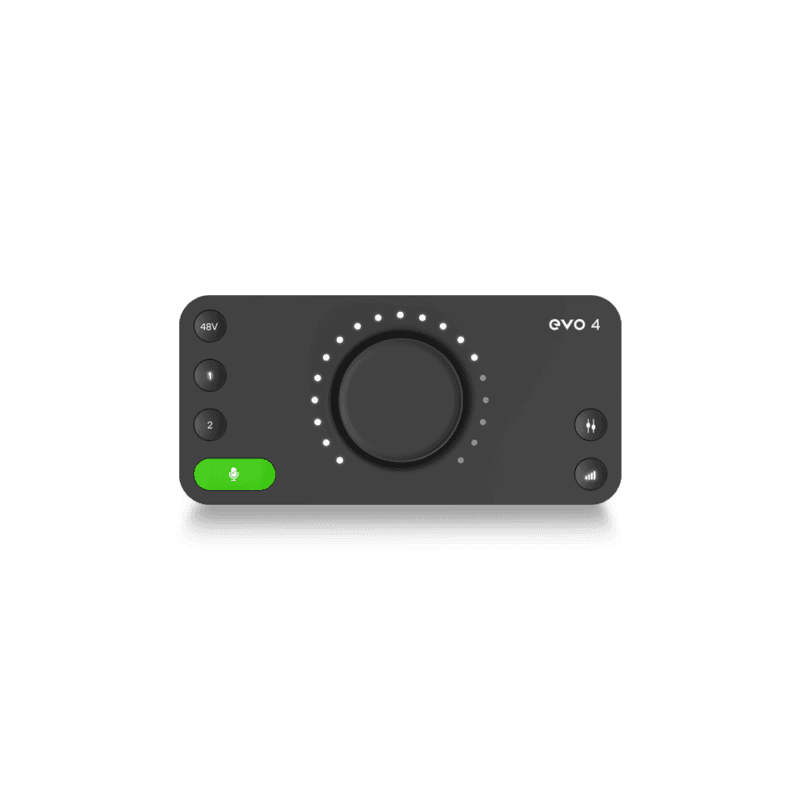
Option 2 · Audient
A volunteer-friendly automatic-gain workflow
A compact interface whose simplified controls may suit volunteer teams sharing one setup.
Paid link · search fallback · listing/specification checked 2026-08-22
Manufacturer product image: Audient.
 Find on Amazon ↗
Option 3 · Focusrite
A widely supported interface with automatic level safeguards
A broadly supported interface with useful safeguards for churches combining mixer feeds, recording, and livestream software.
Paid link · search fallback · listing/specification checked 2026-08-22
Manufacturer product image: Focusrite.
How to choose safely
Specifications narrow the field, but the room, mixer, local radio environment, clothing, volunteers, and recovery plan decide whether an option is right for your church.
See the Sunday checks →Buying guide
A hot mixer output can overload an input configured for a quiet microphone. Use the documented line setting and start with low gain.
Phantom power is intended for compatible microphones and devices. Leave it off when receiving a mixer line output unless the documented equipment path explicitly requires otherwise.
The useful check is what Voco, OBS, or the recording application receives. Direct monitoring and a known test phrase make hidden routing errors obvious before the service.
Not for an initial test—a phone or laptop microphone can work. For regular services, a clean mixer feed through a suitable interface often gives more consistent speech transcription than listening to the whole room.
One clean speech mix may be enough for translation. Two inputs allow a second feed or controlled stereo workflow. Buy more only when the routing plan and operator can use it.
Sometimes, but the headphone output may be too hot and stereo while the destination expects a different level or routing. A dedicated aux, matrix, record, or USB output is usually easier to control.
Keep the equipment job separate
For a permanent church PA, begin with a region-correct UHF bodypack system. For portable livestream and camera work, a compact creator kit may be easier. Neither category is automatically better: the destination, local spectrum, recovery plan, and operator determine the right shortlist.
Open guide →Church buying guideA lapel works best for speakers who value low visibility and fairly consistent delivery. Highly dynamic preachers often get more consistent level and feedback margin from a well-fitted headworn microphone. If a lapel is still preferred, choose the system around the church mixer and test it on the pastor's normal clothing and movement.
Open guide →Church buying guideUse as few microphones as can evenly cover the choir, place them close enough to favour singers over the room, and keep them away from monitor and loudspeaker danger zones. A purpose-built hanging microphone may look tidier, while a stand-mounted pair can be easier to reposition and test.
Open guide →Church buying guideUse the church mixer feed for the main service whenever it provides a stable speech mix. Choose a compact wireless kit for mobile interviews, testimonies, phone video, or portable services, and insist on monitored routing plus a local backup recording.
Open guide →Church buying guideSpend first on a clean, monitored speech path. Reuse a stable pastor microphone and mixer when possible, add the correct cable or interface, label a spare, and rehearse recovery. Only replace the microphone after the current one fails a documented clarity, reliability, or compatibility test.
Open guide →Prove the signal before buying
A rehearsal makes the weak link visible. Monitor the actual computer input, test the pastor's normal voice, and only replace the component that fails.
Recommendations are editorial selections based on documented features and church-workflow fit; individual room and RF results vary. Affiliate disclosure · Church audio hub