Full Sunday service
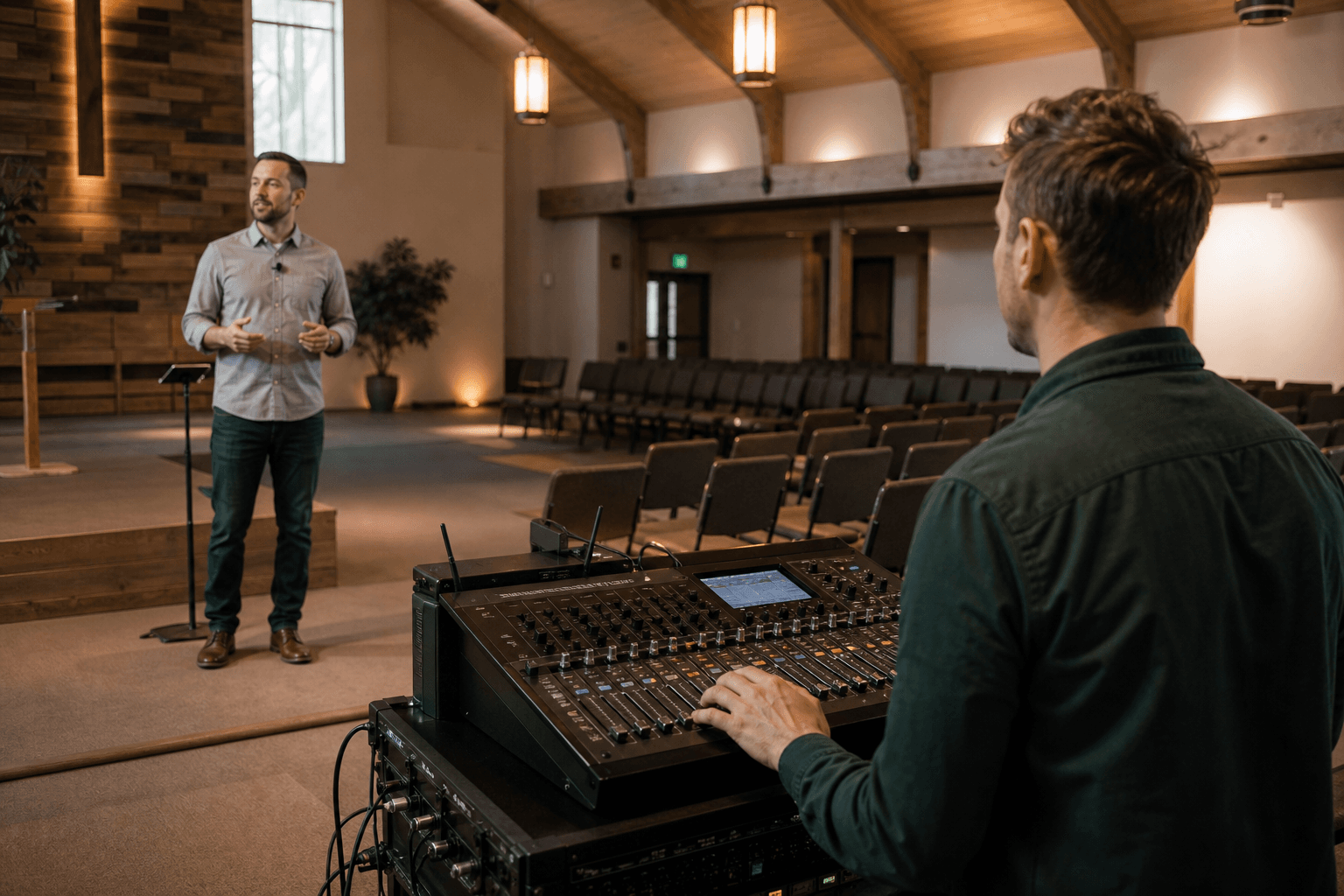
Start with the mixer output so the stream receives the same close microphones and intentional mix as the room. Add room ambience deliberately, not by accident.
Church livestream microphones
The best livestream microphone is usually the cleanest reliable speech feed already available—not a second microphone pointed at the room. Compact DJI, RØDE, and Hollyland kits become useful when a church is portable, filming interviews, or cannot access the house mixer.
The useful answer now
Use the church mixer feed for the main service whenever it provides a stable speech mix. Choose a compact wireless kit for mobile interviews, testimonies, phone video, or portable services, and insist on monitored routing plus a local backup recording.
Affiliate and editorial disclosure
This guide contains Amazon affiliate links. Voco may earn a commission at no extra cost to you. Picks are based on documented specifications, connection requirements, manufacturer evidence, and their fit for real church workflows; Voco has not hands-on tested every item. Exact listings are used only where product identity is unambiguous, otherwise the button opens an honest Amazon search. Prices, stock, marketplace ratings, and invented scores are deliberately omitted.
Start with the job
Start with the mixer output so the stream receives the same close microphones and intentional mix as the room. Add room ambience deliberately, not by accident.
A compact dual-transmitter kit can reduce setup time. Confirm USB-C or Lightning support, app behaviour, charging, and whether both voices are actually recorded.
Use a receiver with a monitored camera output and onboard transmitter backup. Test power-up order, gain, safety track, and recovery after a cable disconnect.
Quick comparison
Order follows the church decision path, not a laboratory score. “Best for” identifies the workflow each option most naturally fits.
| Option | Best fit | Tier | Connection notes | Editorial basis |
|---|---|---|---|---|
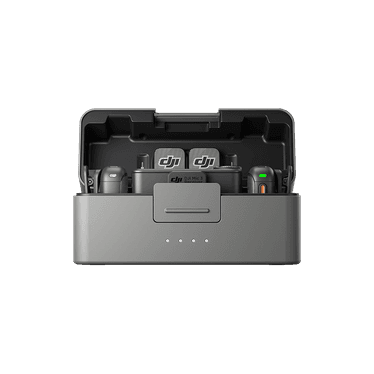
| DJI Mic 3 | Compact multi-camera work with internal backup | premium | Camera, USB-C, and supported phone workflows | Manufacturer documentation |
| RØDE Wireless GO Gen 3 | Compact camera, phone, and computer workflows | upper-mid | 3.5 mm analogue and USB-C | Manufacturer documentation |
| RØDE Wireless PRO | Portable two-presenter capture with local backup recording | upper-mid | 3.5 mm analogue and USB-C | Manufacturer documentation |
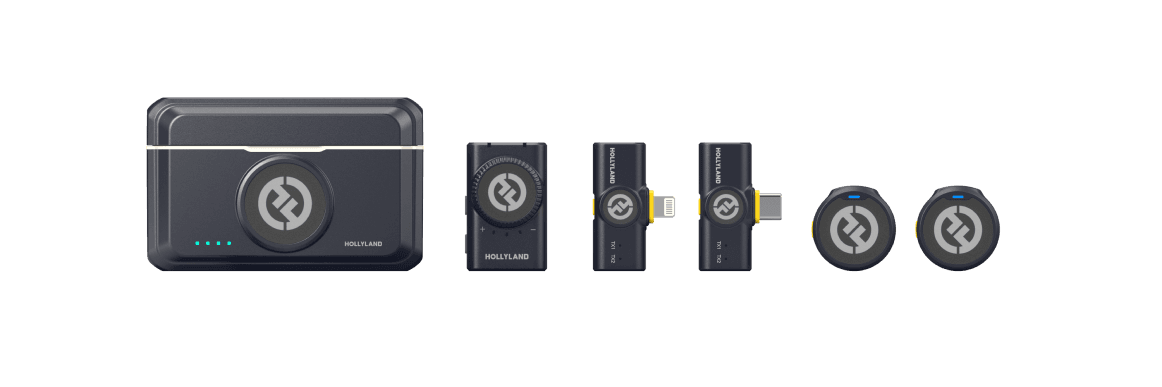
| Hollyland LARK M2 Combo | A portable, lower-cost wireless workflow | budget | Camera/phone focused | Manufacturer documentation |
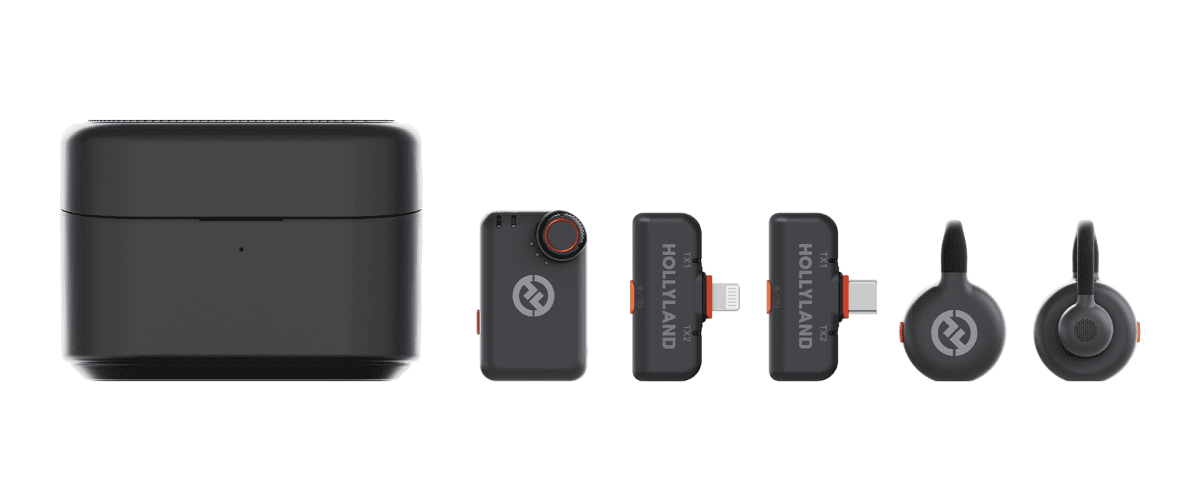
| Hollyland LARK M2S Combo | A discreet, logo-free wearable transmitter workflow | mid-range | Select the receiver kit for the intended camera or phone | Manufacturer documentation |
 Find on Amazon ↗
Option 1 · DJI
Compact multi-camera work with internal backup
A premium portable option for churches that value onboard recording, adaptable gain, and timecode workflows.
Paid link · search fallback · listing/specification checked 2026-08-22
Manufacturer product image: DJI.
 View on Amazon ↗
Option 2 · RØDE
Compact camera, phone, and computer workflows
A flexible two-channel choice when onboard backup and several connection routes matter.
Paid link · exact ASIN checked · listing/specification checked 2026-08-22
Manufacturer product image: RØDE.
 Find on Amazon ↗
Option 3 · RØDE
Portable two-presenter capture with local backup recording
A feature-rich creator kit for testimonies, interviews, portable services, and camera-led church video.
Paid link · search fallback · listing/specification checked 2026-08-22
Manufacturer product image: RØDE.
 View on Amazon ↗
Option 4 · Hollyland
A portable, lower-cost wireless workflow
A compact two-person option for churches moving between cameras, phones, and computers.
Paid link · exact ASIN checked · listing/specification checked 2026-08-22
Manufacturer product image: Hollyland.
 Find on Amazon ↗
Option 5 · Hollyland
A discreet, logo-free wearable transmitter workflow
A low-visibility option for sermons, testimonies, and video where the transmitter should not dominate the shot.
Paid link · search fallback · listing/specification checked 2026-08-22
Manufacturer product image: Hollyland.
How to choose safely
Specifications narrow the field, but the room, mixer, local radio environment, clothing, volunteers, and recovery plan decide whether an option is right for your church.
See the Sunday checks →Buying guide
A room microphone can make a stream feel present, but it should not be the only speech source when a clean close-mic or mixer feed exists.
Onboard transmitter recording can rescue a camera cable or receiver problem, but only if volunteers enable it, preserve battery, and know how to retrieve the file.
Product-family names hide different receiver kits. Verify the exact camera, USB-C, Lightning, and analogue components before using a direct product link.
Usually start with a controlled feed from the church mixer. Add a separate microphone for interviews, portable filming, backup, or intentional room ambience—not because the streaming computer happens to have a microphone socket.
Both families offer useful creator workflows. Choose around the exact kit contents, monitoring, backup recording, phone or camera support, local RF conditions, and the recovery steps your volunteers can follow.
The room benefits from loudspeakers and natural sound while the stream exposes routing, gain, missing ambience, compression, and connection errors. Monitor the actual stream mix on headphones and a separate device.
Keep the equipment job separate
For a permanent church PA, begin with a region-correct UHF bodypack system. For portable livestream and camera work, a compact creator kit may be easier. Neither category is automatically better: the destination, local spectrum, recovery plan, and operator determine the right shortlist.
Open guide →Church buying guideA lapel works best for speakers who value low visibility and fairly consistent delivery. Highly dynamic preachers often get more consistent level and feedback margin from a well-fitted headworn microphone. If a lapel is still preferred, choose the system around the church mixer and test it on the pastor's normal clothing and movement.
Open guide →Church buying guideUse as few microphones as can evenly cover the choir, place them close enough to favour singers over the room, and keep them away from monitor and loudspeaker danger zones. A purpose-built hanging microphone may look tidier, while a stand-mounted pair can be easier to reposition and test.
Open guide →Church buying guideChoose an interface that accepts the actual level and connector from the church mixer, provides reliable monitoring, and reconnects cleanly after sleep, unplugging, or an app restart. Two inputs are enough for many churches; extra features only help when the volunteer workflow uses them.
Open guide →Church buying guideSpend first on a clean, monitored speech path. Reuse a stable pastor microphone and mixer when possible, add the correct cable or interface, label a spare, and rehearse recovery. Only replace the microphone after the current one fails a documented clarity, reliability, or compatibility test.
Open guide →Prove the signal before buying
A rehearsal makes the weak link visible. Monitor the actual computer input, test the pastor's normal voice, and only replace the component that fails.
Recommendations are editorial selections based on documented features and church-workflow fit; individual room and RF results vary. Affiliate disclosure · Church audio hub